Unreal Engine Tools
We build editor tools alongside our own Unreal development work and publish the ones that become useful beyond a single project.
PRG V4 — UE 5.4–5.8 · WSP and GDDS — UE 5.4–5.8 · Win64
Procedural Root & Vine Generator
PRG V4.0 · Unreal Engine 5.4–5.8 · Win64
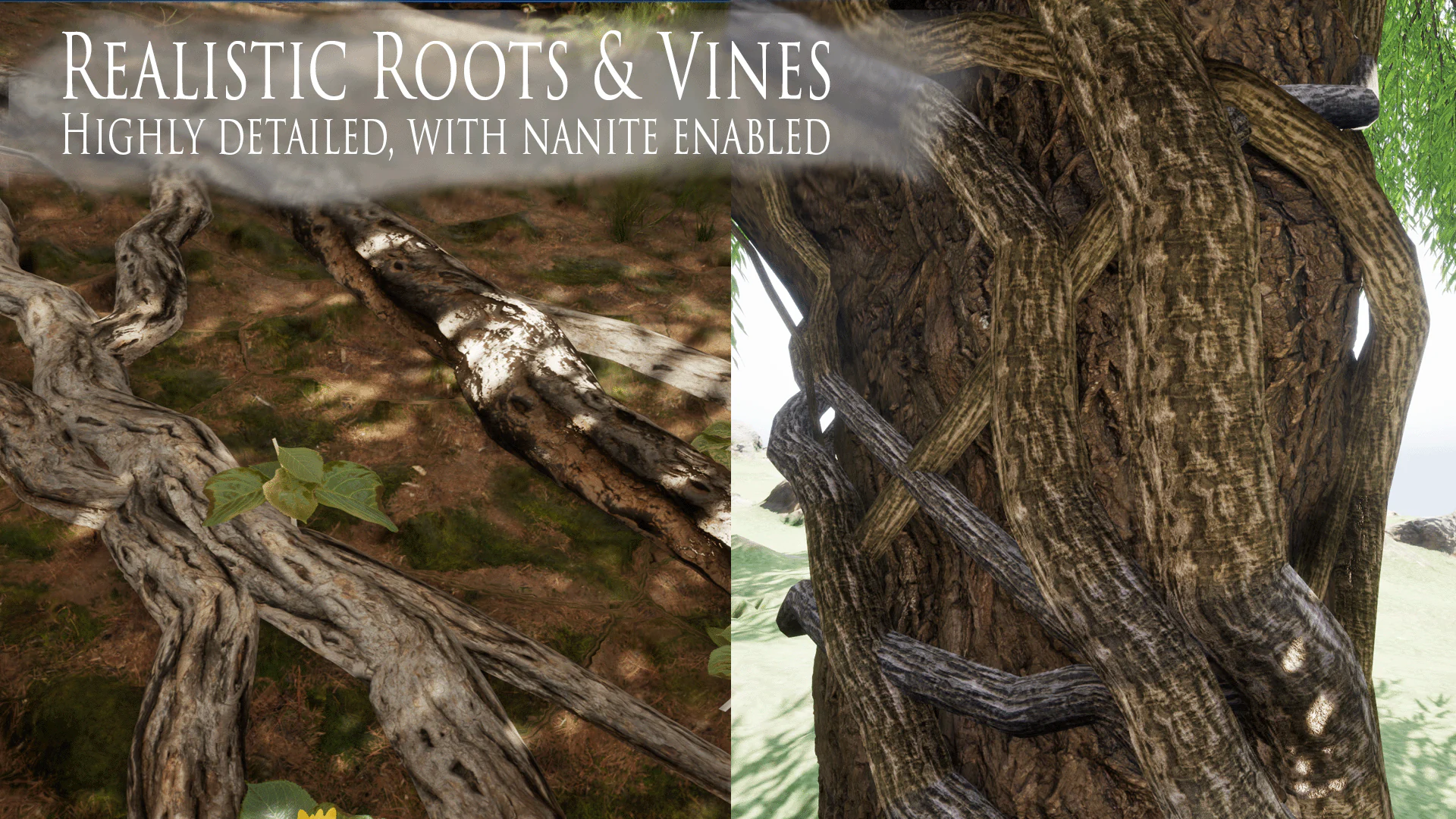
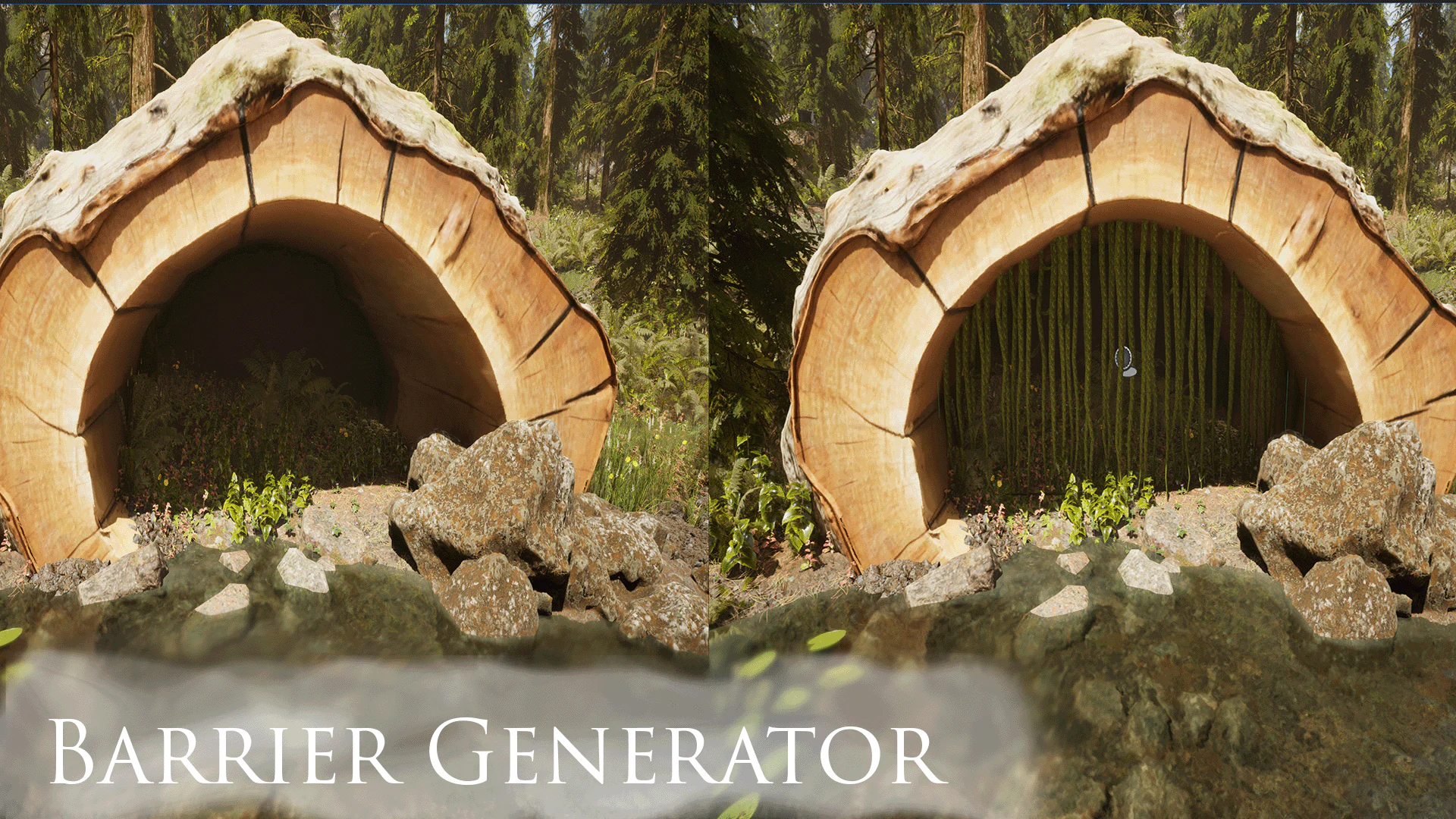
Placing roots and vines by hand gets slow when they need to follow terrain, climb walls, or wrap around a support.
PRG generates that geometry with Root, Vine, Barrier and Bridge actors. Attraction actors guide the growth. Start with a preset, adjust branching and surface behavior, then export a Static Mesh or bake the result for a Runtime Growth Actor.
- Surface crawling and wall seeking
- Climbing and wrapping profiles
- Multi-tier procedural branching
- Attraction-guided growth
- Static Mesh, Nanite, and VAT runtime workflow
World Scale Planner
Unreal Engine 5.4–5.8 · Win64 editor-only
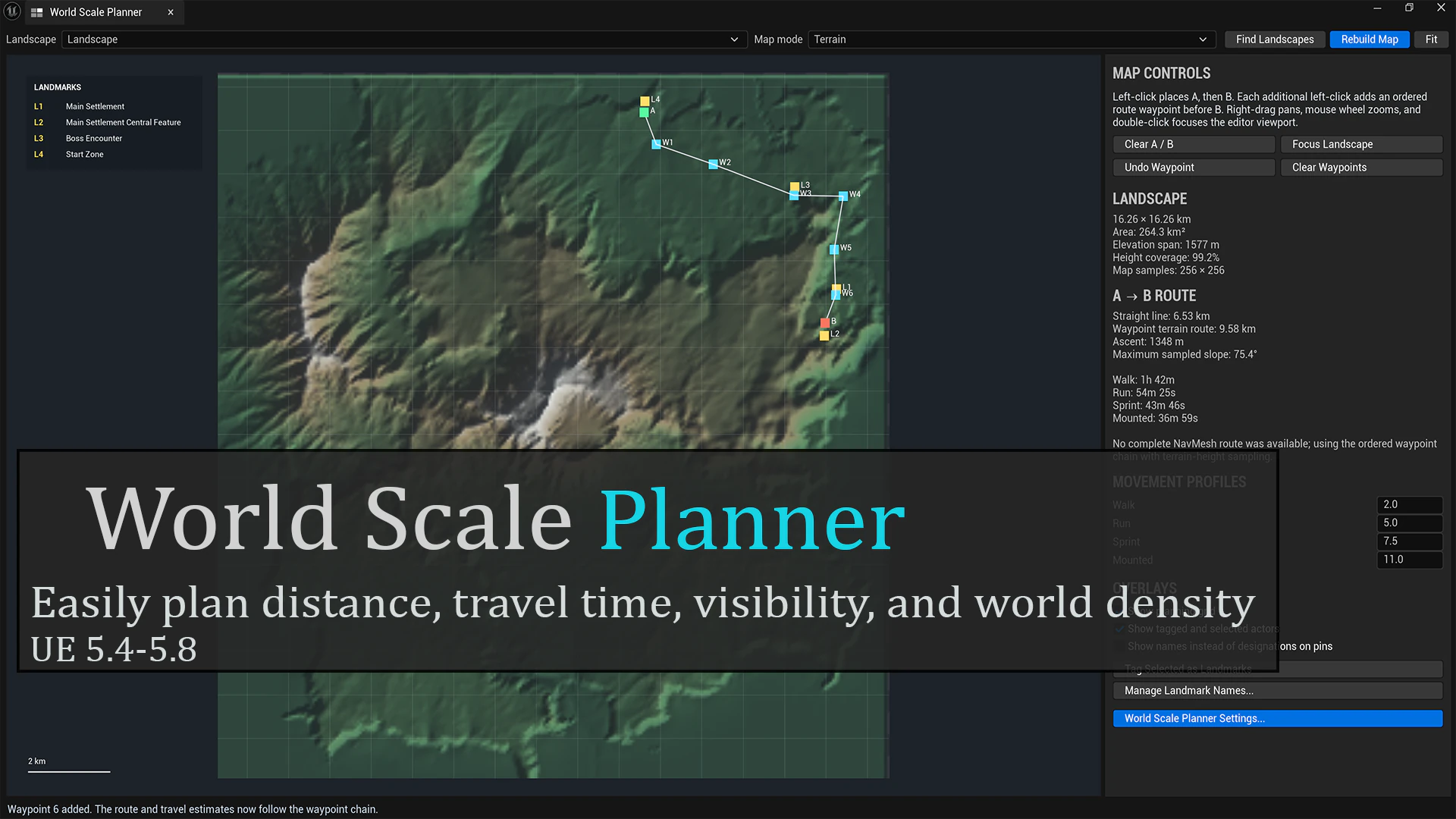
A map’s dimensions do not tell you how long it takes to cross. Movement speed, terrain, and the route itself all affect that.
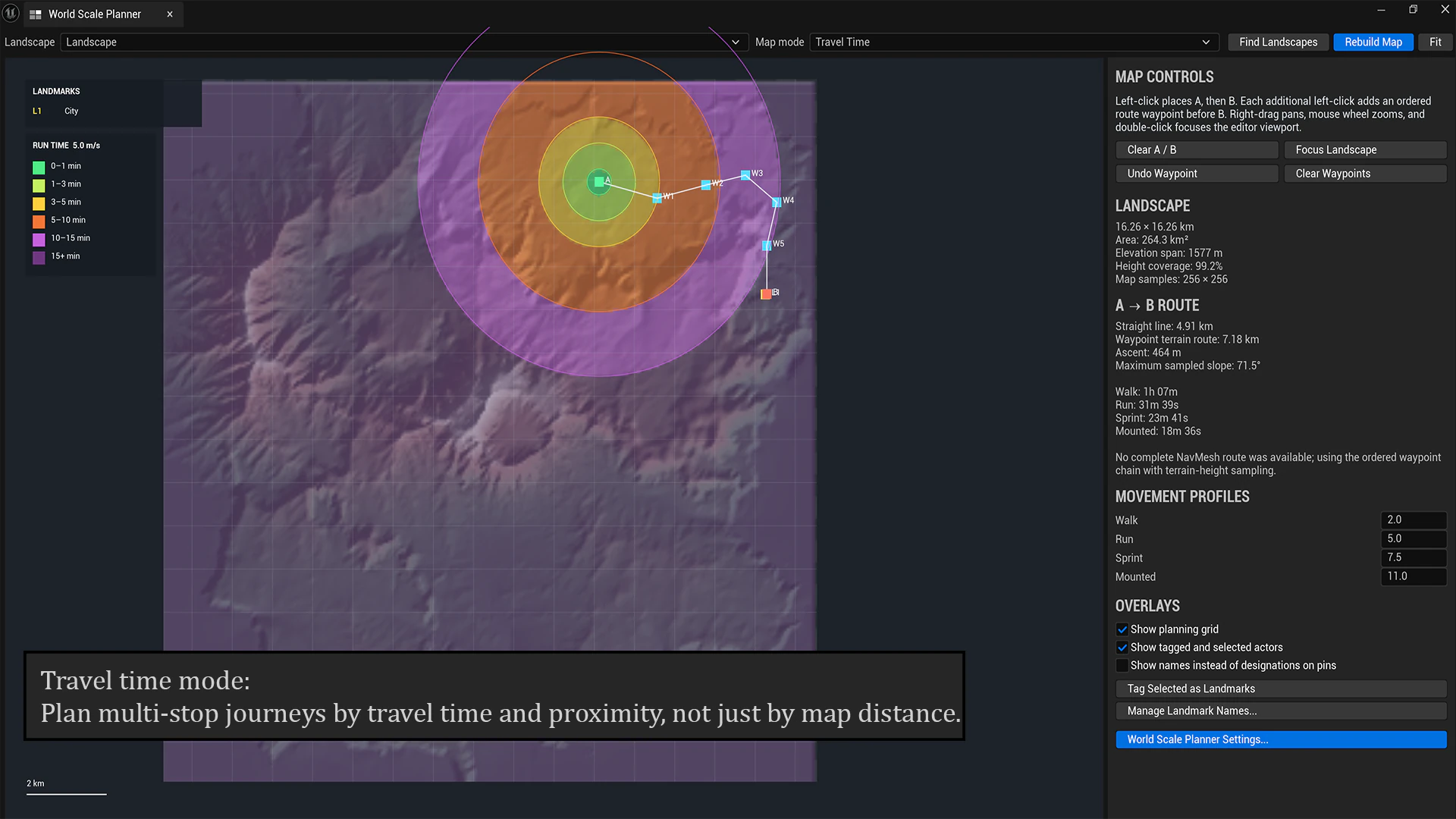
WSP samples the loaded landscape into an interactive map. Place start and end points, add waypoints, and set movement speeds to estimate travel time. Use the terrain, slope, visibility, and landmark views to check the route.
- Top-down landscape analysis
- A/B and multi-waypoint routes
- Travel-time estimates by movement profile
- Slope and elevation reporting
- Visibility and fade-distance views
- Named landmark density analysis
Game Design Document Studio
Unreal Engine 5.4–5.8 · Win64
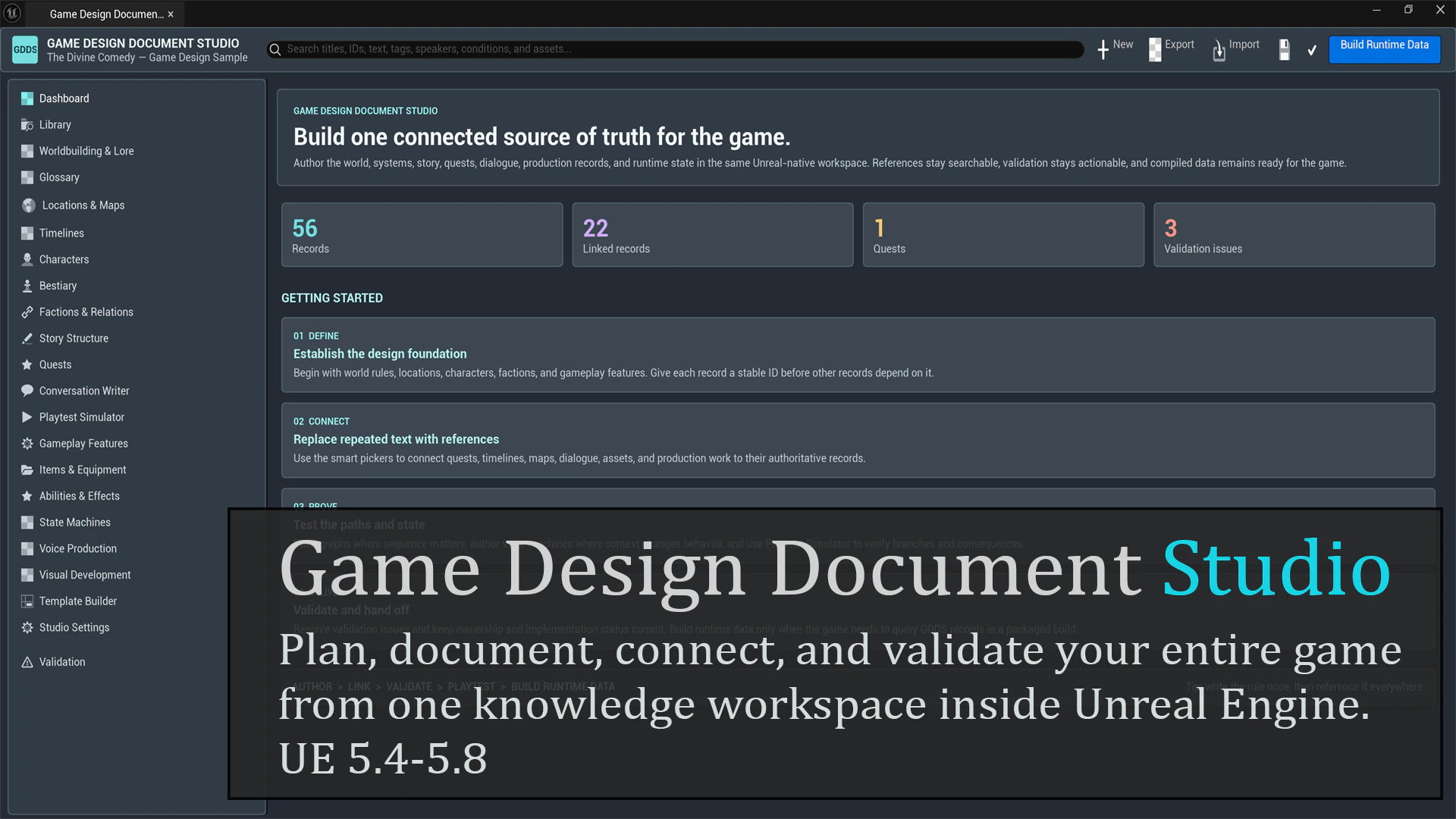
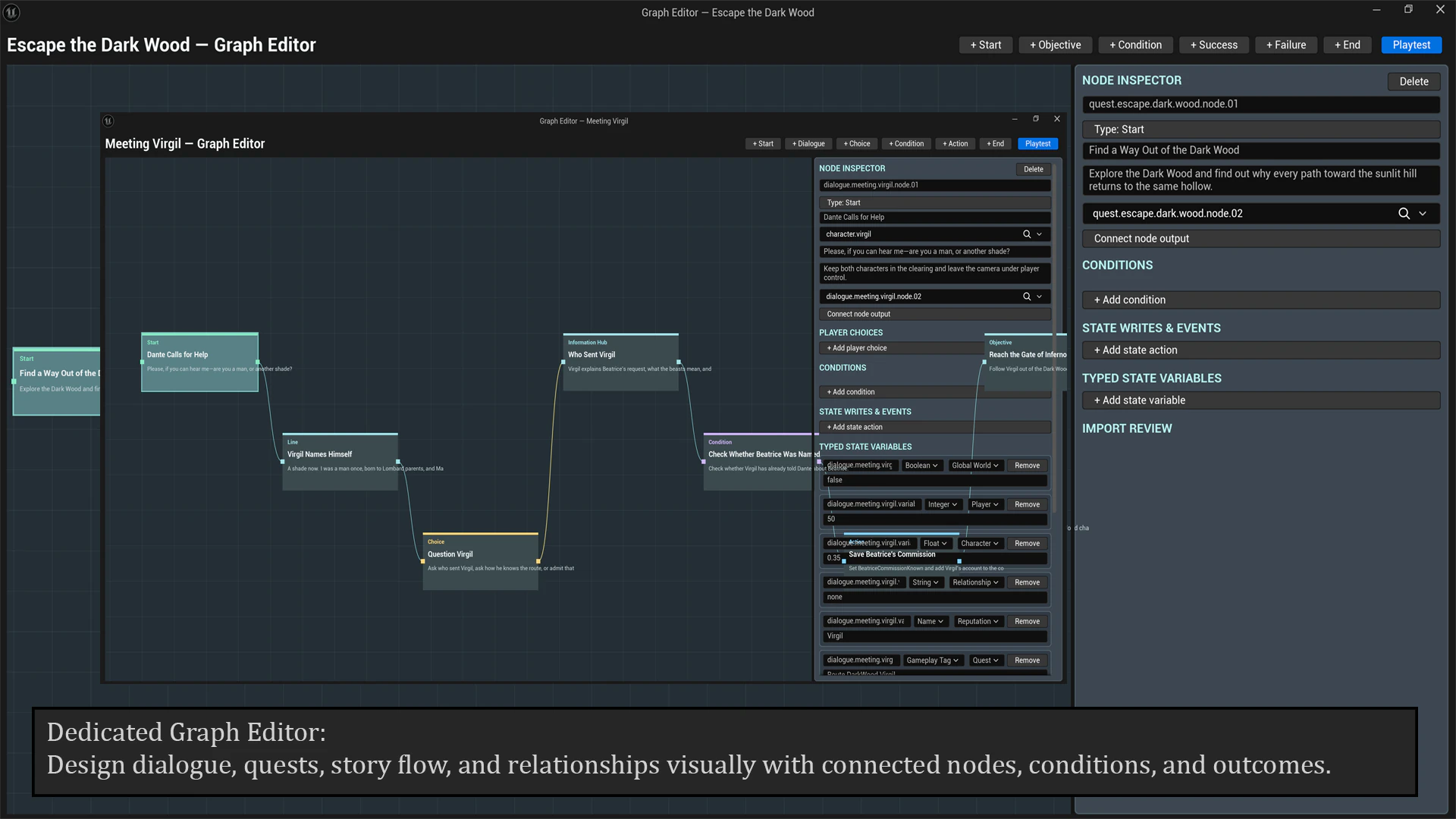
Game-design notes get difficult to follow when a quest is in one document, its dialogue is in another, and the related assets are somewhere in the Content Browser.
GDDS stores those records inside Unreal Editor and lets you link them. Write a character, quest, location, or production note, then reference it from other records. Templates control the fields; graphs, maps, and timelines provide other ways to edit and view the data.
- Custom record templates and fields
- Searchable cross-record references
- Dialogue, quest, story, and relationship graphs
- Maps, timelines, production tracking, and validation
- JSON transfer and an optional compiled runtime database